Complete Guide to Next.js 16 App Router
Abi hus

Welcome to the comprehensive guide on Next.js 16 App Router, a pivotal update that transforms the way developers build scalable and efficient web applications. As the latest version of Next.js, Next.js 16 introduces an enhanced App Router designed to streamline nested routing, making it easier to manage complex page hierarchies. This update is crucial for developers seeking to optimize performance and user experience, especially in large-scale applications where routing complexity can become a bottleneck. In this guide, you’ll learn how the new App Router elevates your development workflow, providing a more intuitive and powerful routing system that adapts to modern web demands.
Welcome to the comprehensive guide on Next.js 16 App Router, a pivotal update that transforms the way developers build scalable and efficient web applications. As the latest version of Next.js, Next.js 16 introduces an enhanced App Router designed to streamline nested routing, making it easier to manage complex page hierarchies. This update is crucial for developers seeking to optimize performance and user experience, especially in large-scale applications where routing complexity can become a bottleneck. In this guide, you’ll learn how the new App Router elevates your development workflow, providing a more intuitive and powerful routing system that adapts to modern web demands.
One of the standout features of Next.js 16 is its support for server components within the App Router, significantly boosting application performance by reducing client-side JavaScript. This capability allows developers to render components on the server, leading to faster load times and improved SEO. Additionally, Next.js 16 introduces dynamic route segments, offering unparalleled flexibility in

Introduction to Next.js 16 App Router
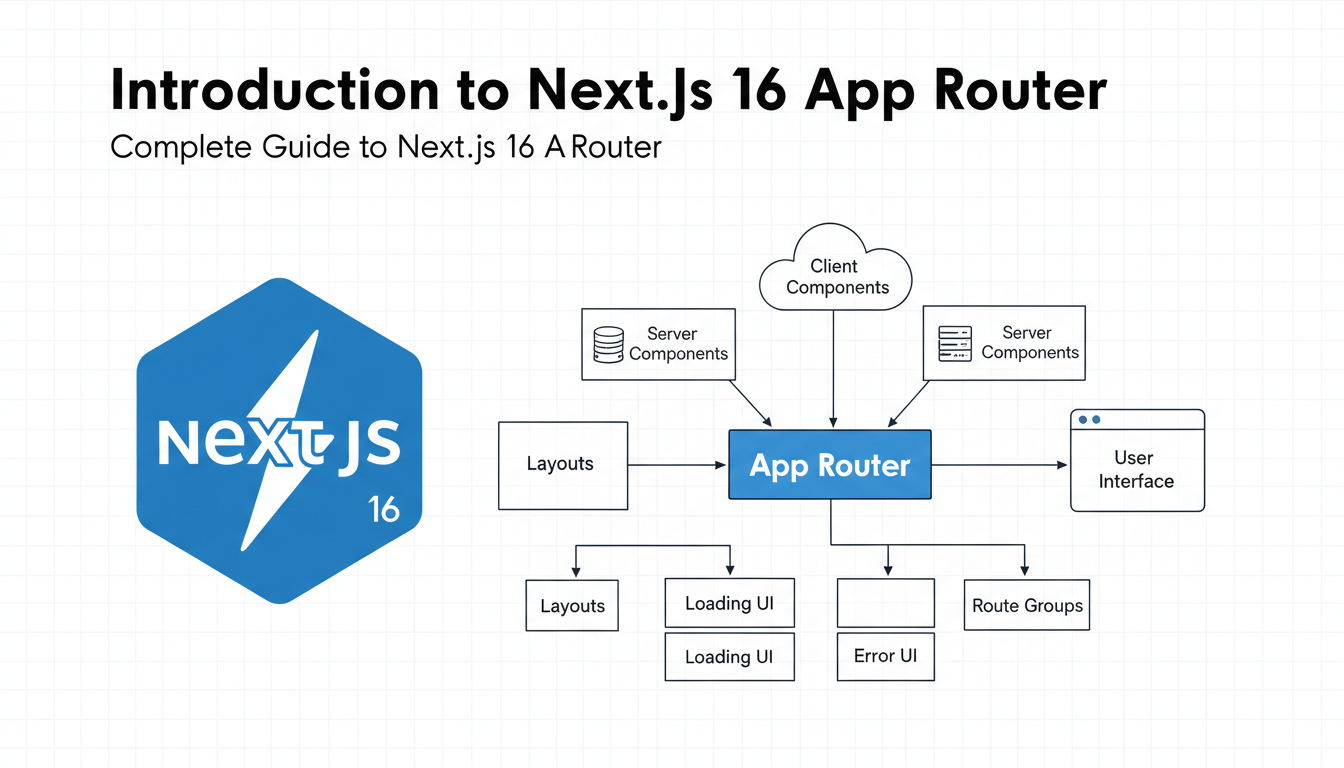
Next.js 16 introduces the powerful App Router, a major enhancement that redefines how routing is handled in Next.js applications. This feature simplifies navigation, improves performance, and offers a more flexible way to manage complex routing structures. With the App Router, developers can now build scalable, maintainable web apps with ease, leveraging the latest advancements in React and server-side rendering.
The App Router in Next.js 16 provides a unified way to manage static and dynamic routes, enabling seamless page transitions and data fetching. It integrates deeply with React components, allowing for nested routing, layout composition, and improved code-splitting strategies. This results in faster load times and a better user experience.
command. For inline commands use command. Use—
Continue “Introduction to Next.js 16 App Router” for “Complete Guide to Next.js 16 App Router”. Add
Best Practices & Common Mistakes
with 176 words: tips, pitfalls, pro advice. Use
for any commands.
Setting Up a Next.js 16 Project
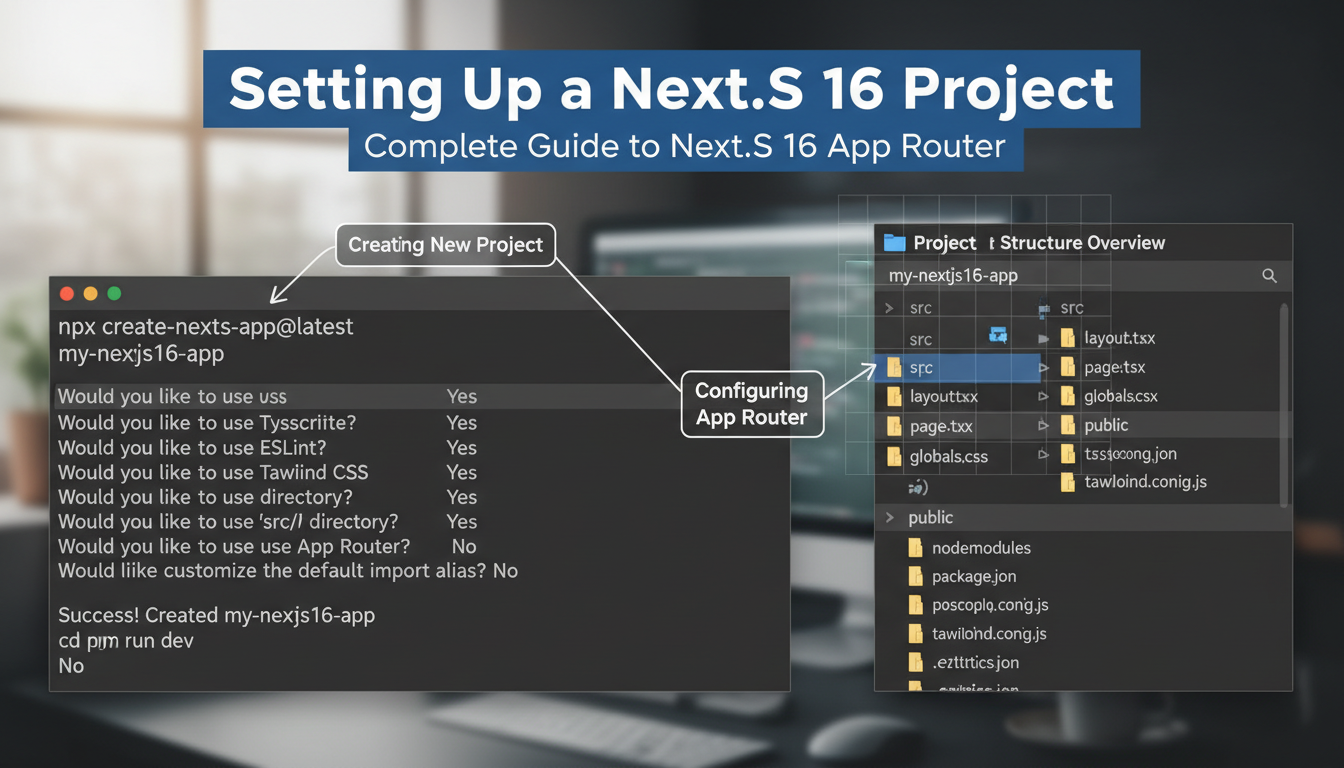

Getting started with a Next.js 16 project begins with creating a new application. This can be accomplished easily via the command line. Open your terminal and run the command:
npx create-next-app@latest my-nextjs-appThis command initializes a new Next.js project named my-nextjs-app. Next, navigate into the project directory:
Best Practices & Common Mistakes
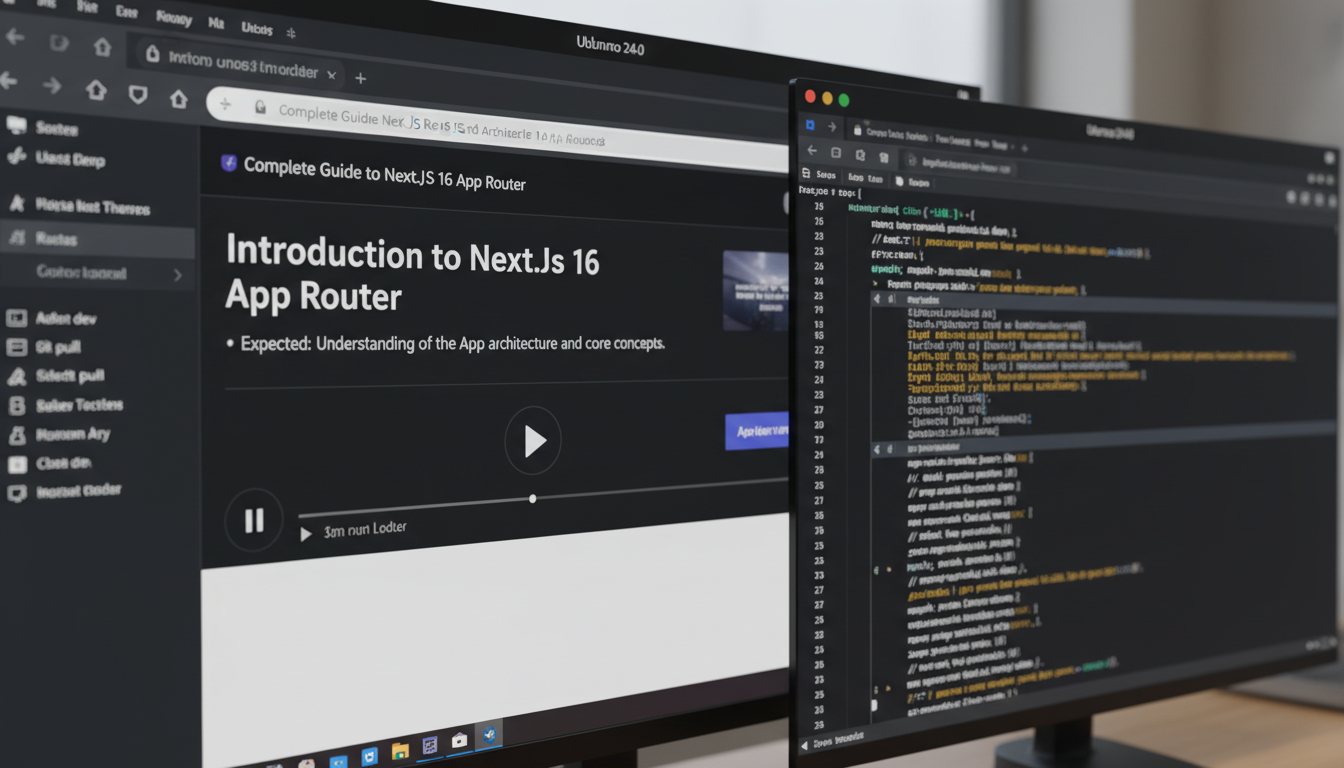
To optimize your Next.js 16 app, follow best practices such as organizing routes logically and avoiding deeply nested structures that can hinder performance. Use the built-in next/link for client-side navigation to improve speed. Always leverage dynamic imports for heavy components to reduce initial load times. Be cautious with server-side data fetching; fetch only what’s necessary to minimize latency. Avoid overusing global state; prefer localized state or context for better maintainability. Remember to handle errors gracefully with proper fallback UI. Regularly update dependencies to stay secure and compatible. Test your routes thoroughly, especially dynamic ones, to prevent broken links or incorrect rendering.
Understanding the File-based Routing System
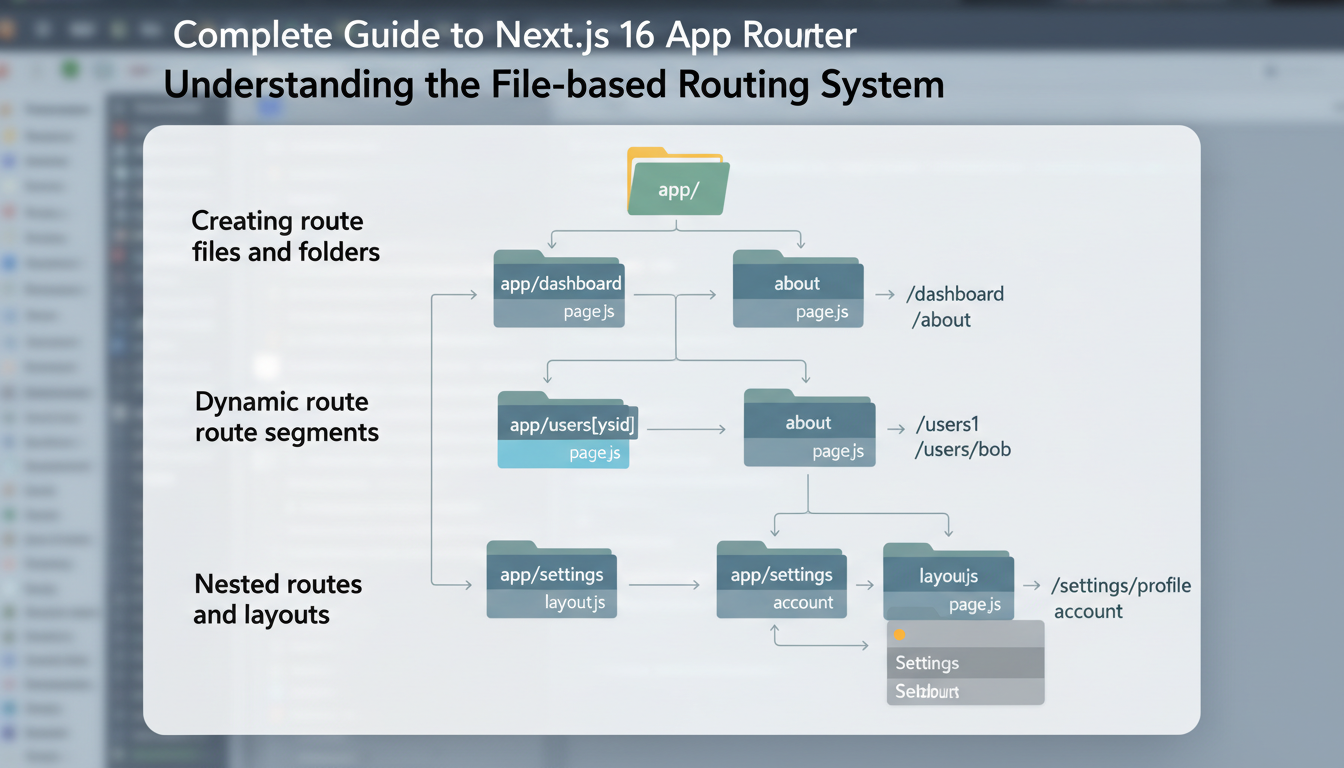
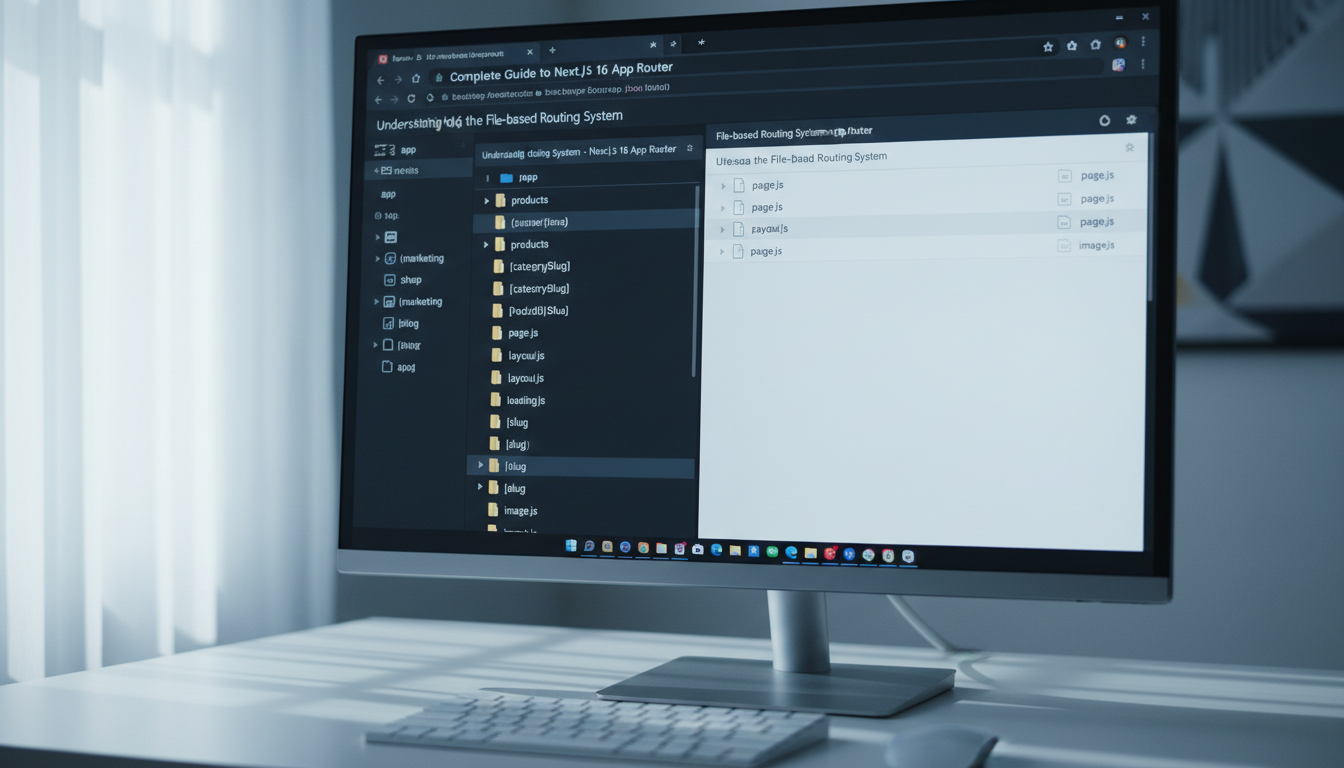
Next.js 16 introduces a powerful file-based routing system that simplifies how developers create and organize routes in their applications. This system is based on the directory structure within the app folder, where each folder and file corresponds to a specific route or nested route. Creating route files and folders is straightforward: simply add a new folder or file under app and Next.js automatically recognizes it as a route.</p
Best Practices & Common Mistakes
To optimize your Next.js 16 App Router, always organize your files logically, following clear naming conventions. Avoid deeply nested folders to keep routing simple and maintainable. Use dynamic routes sparingly; overusing them can lead to complex URL structures and performance issues. Leverage built-in hooks like useRouter for navigation instead of manual URL manipulation. Be cautious with server-side rendering; ensure data-fetching methods are optimized to prevent bottlenecks. Remember to handle 404 and error pages explicitly for better user experience. A common mistake is neglecting fallback states during dynamic imports, which can cause flickering or incomplete renders. Test your routes thoroughly across devices and browsers. Use next/link for client-side navigation to improve performance and accessibility. Lastly, keep dependencies updated and review the official Next.js documentation regularly for new features and best practices. Following these tips will help you avoid pitfalls, enhance
Step-by-Step Tutorial
Step 1: Introduction to Next.js 16 App Router
Welcome to the first step of the “Complete Guide to Next.js 16 App Router.” In this section, you’ll learn the fundamentals of the App Router, its core features, and how it benefits modern web development. The App Router introduces a new way to handle routing, enabling more flexible and scalable applications with server components and enhanced data fetching capabilities.
-
1. Understand the Architecture
The App Router replaces the traditional pages directory with a more dynamic routing system based on the app directory. It allows for nested routes, layouts, and
Troubleshooting & Verification
Ensure your Next.js 16 App Router is functioning correctly by verifying the setup. First, run
npm run devand check if the development server starts without errors. Access your local server at
http://localhost:3000to confirm the app loads properly. If issues arise, review the console logs for warning messages. Common errors include incorrect routing paths or missing dependencies. Usenpm ls nextto verify Next.js is correctly installed. To diagnose routing issues, inspect the directory structure for proper folder and file placement. If pages do not render as expected, clear cache with
rm -rf .nextand restart the server. Confirm that your components are correctly imported and exported. By systematically verifying each step, you can troubleshoot efficiently and ensure a successful implementation of Next.js 16 App
Step 2: Setting Up a Next.js 16 Project
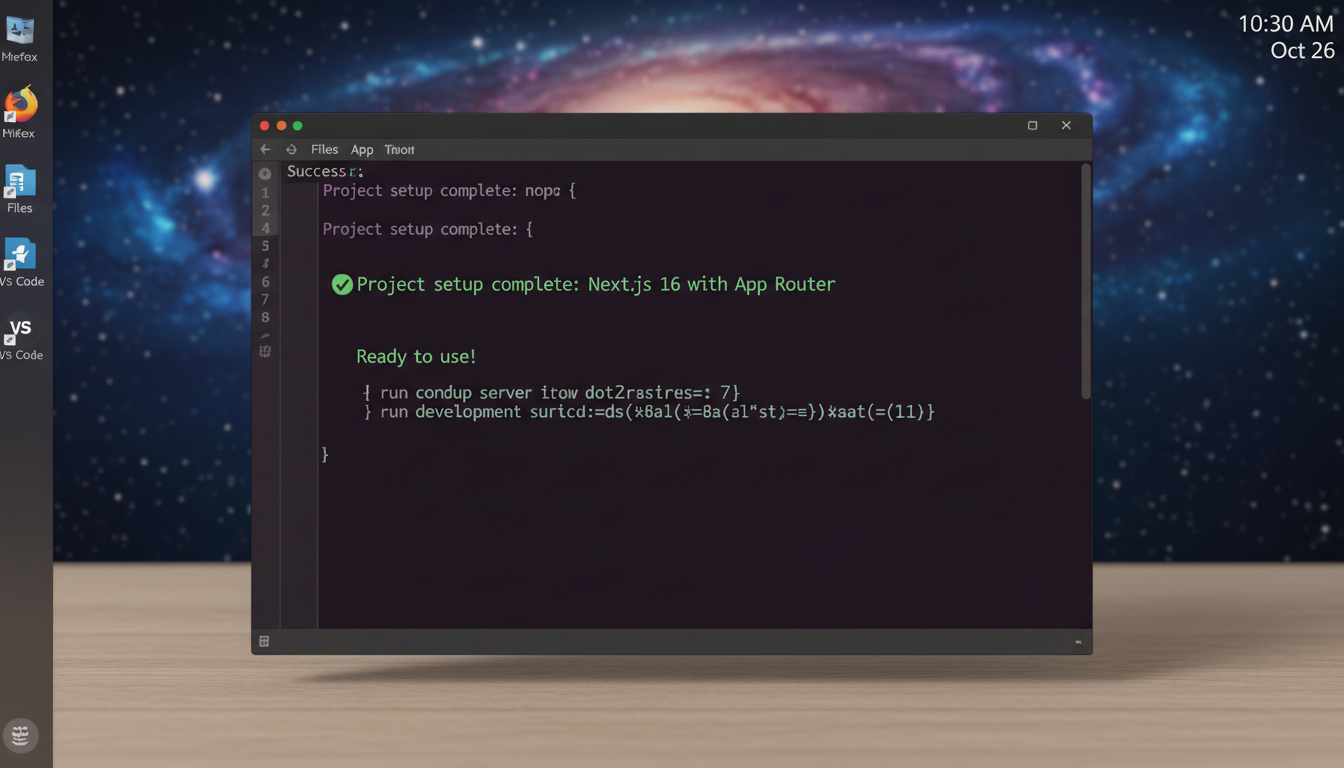
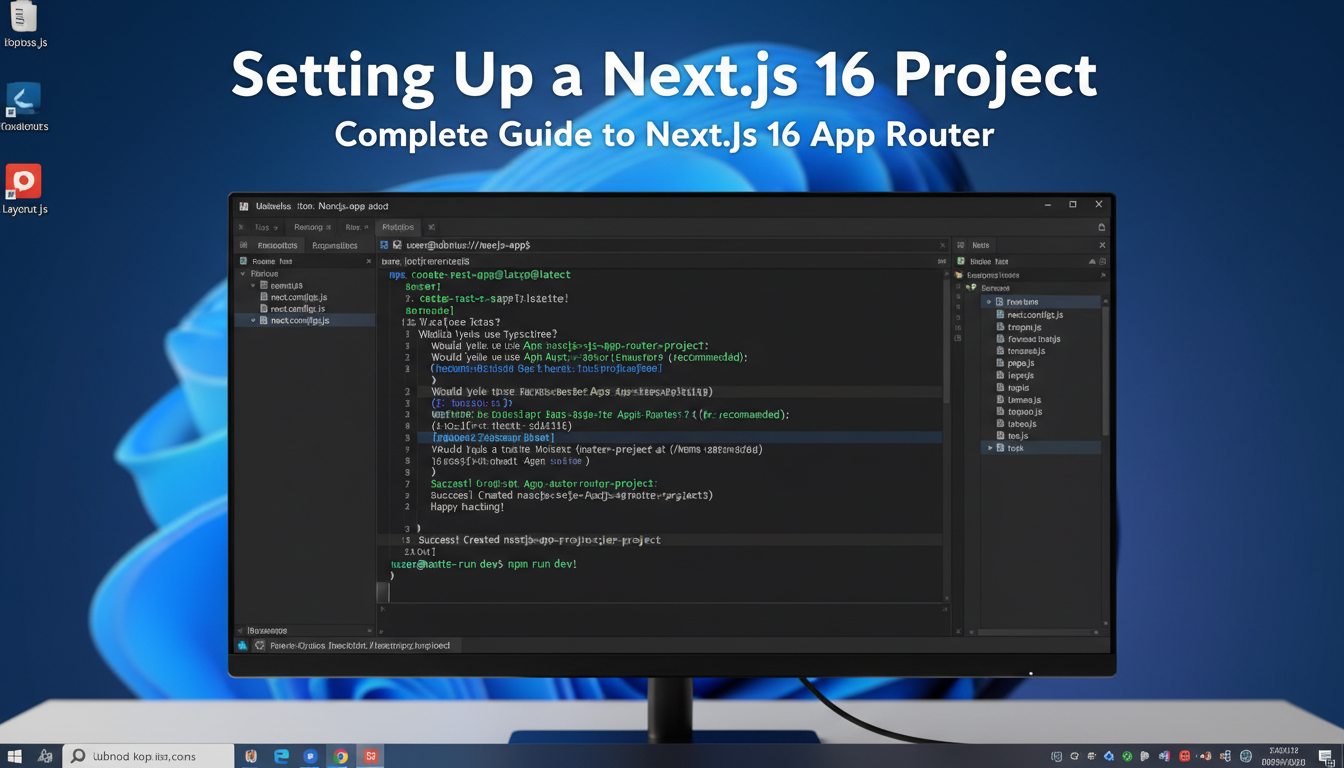
- Initialize a new project: Open your terminal and run the command to create a fresh Next.js 16 project using the latest CLI. This ensures you get the newest features and dependencies.
npx create-next-app@latest my-nextjs-app --use-npm - Navigate into your project directory: After installation completes, switch to your project folder.
cd my-nextjs-appTroubleshooting & Verification
Ensure your Next.js 16 project is correctly set up by verifying the development server runs without errors. Use
npm run devor
yarn devto start the server and check the terminal output for any issues. Confirm that the homepage loads correctly in your browser. If errors occur, review the console logs for specific messages. Common problems include misconfigured
next.config.jsor missing dependencies—fix these by editing configuration files or reinstalling packages withnpm install. To diagnose further, run
npm ls nextto verify Next.js is installed properly. Clear cache if needed
Conclusion
The “Complete Guide to Next.js 16 App Router” provides a comprehensive overview of implementing the latest routing features, emphasizing the importance of understanding file-based routing, dynamic routes, and nested layouts. By mastering these core concepts, developers can create scalable, efficient web applications that leverage Next.js’s powerful server-side rendering capabilities. The guide highlights the significance of organizing routes effectively and utilizing the new app directory structure to enhance project maintainability and performance. This foundational knowledge enables developers to build robust applications with improved user experiences and faster load times, aligning with modern web development standards.
Throughout the guide, the benefits of adopting the Next.js 16 App Router are clearly demonstrated, including simplified routing management, enhanced flexibility with dynamic segments, and seamless integration with data fetching strategies. Implementing features like middleware and route grouping further streamlines the development process, providing a more intuitive approach to handling complex navigation scenarios. The detailed explanations of setting up custom layouts and nested
Introduction to Next.js 16 App Router
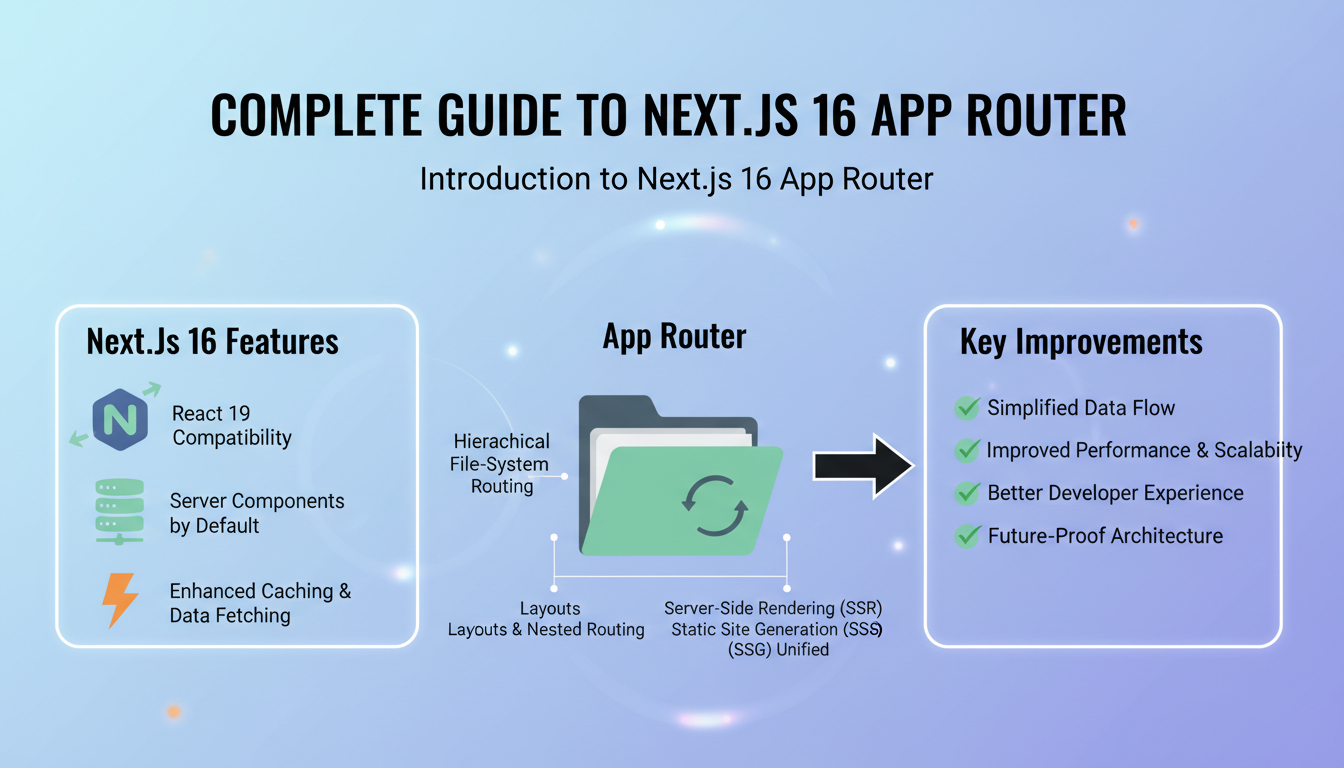
The Next.js 16 App Router introduces a significant shift in how routing and page organization are handled within a Next.js application. Unlike the traditional pages directory, the App Router leverages a more flexible and scalable structure, allowing developers to organize their routes hierarchically with nested layouts and dynamic segments. This new system enables seamless server-side rendering (SSR), static site generation (SSG), and incremental static regeneration (ISR), all within a unified framework.
One of the core advantages of the App Router is its ability to support nested routes without complex configurations, simplifying the development process for complex applications. It also introduces new conventions for route segments, such as using brackets for dynamic parameters, making route definitions more intuitive. Additionally, the App
Create a new Next.js 16 project by running
npx create-next-app@latest my-nextjs-app --experimental-app. Navigate into your project directory with
cd my-nextjs-app. Ensure you are using Node.js version 14.17+ for compatibility. Next, install necessary dependencies, if any, by runningnpm install. Initialize version control with
git initto track your project changes from the start.
Configure your environment variables in a .env.local file at the root of your project. For example, add
NEXT_PUBLIC_API_URL=https://api.example.comto store your public API endpoint securely. This setup ensures environment-specific configurations are easily manageable.
Additional Notes
When setting up your project, consider customizing the default directory structure. Next.js 16 supports a
Understanding the File-based Routing System
The Next.js 16 App Router leverages a file-based routing system, which means that the structure of the pages and routes directly corresponds to the directory and file structure within the
appdirectory. Each folder insideapprepresents a route segment, and special files likepage.jsdefine the content for that route. This approach simplifies routing management by eliminating the need for explicit route definitions, allowing developers to focus on the directory structure to organize their pages.For example, creating a folder
app/aboutwith apage.jsfile automatically creates the /about route. NestedFrequently Asked Questions

Complete guide to Next.js 16 App Router What is Next.js 16 App Router?
The Next.js 16 App Router is a new routing system introduced to streamline page and layout management within Next.js applications. It offers a file-based approach that simplifies routing logic, enabling developers to define routes through the folder structure. The App Router enhances flexibility, supports nested routes, and improves data fetching capabilities, making it easier to build scalable, dynamic web applications with better performance and developer experience.
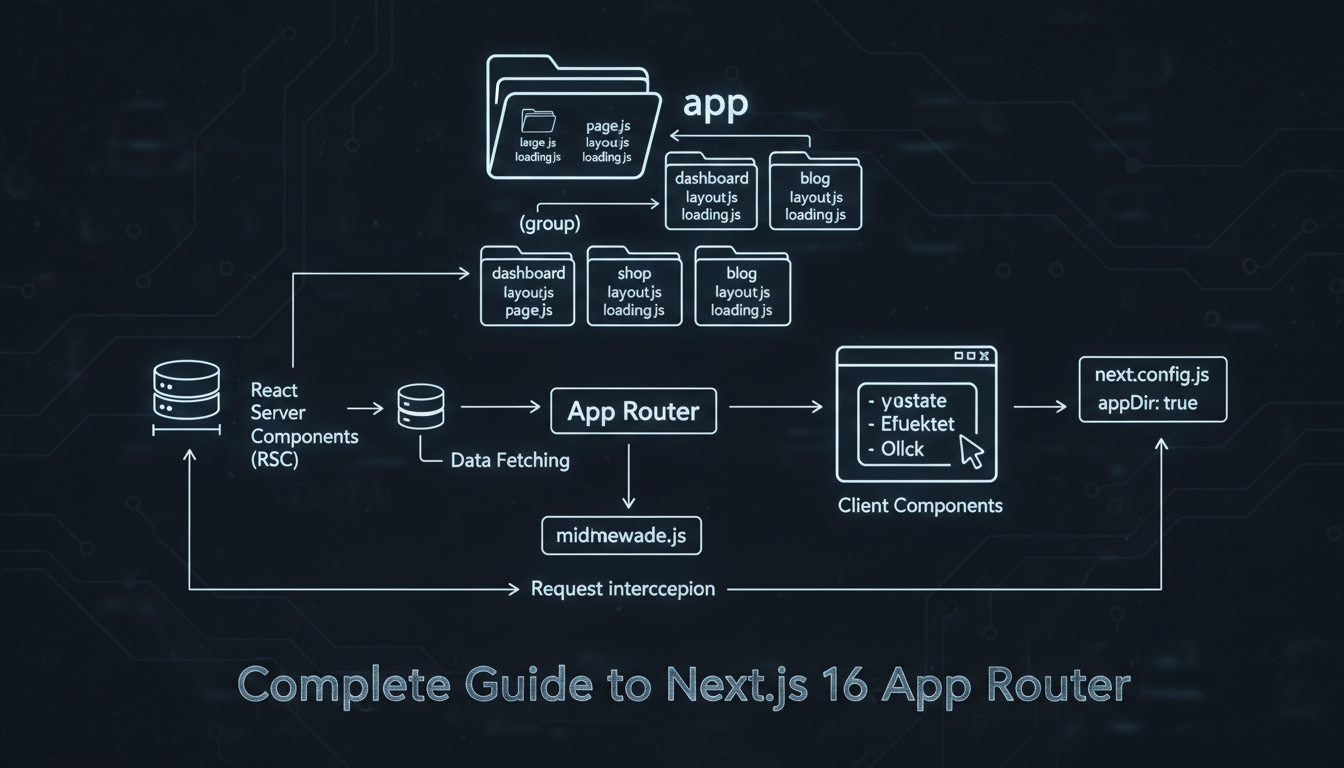
Guide to implementing the App Router in Next.js 16. How do I implement the App Router in Next.js 16?
Implementing the App Router involves creating an ‘app’ directory at the root of your project. Inside this folder, define subfolders and files corresponding to your route structure. Use special files like
page.jsfor route components andlayout.jsfor layouts. Next.js automatically recognizes these files and sets up the routing system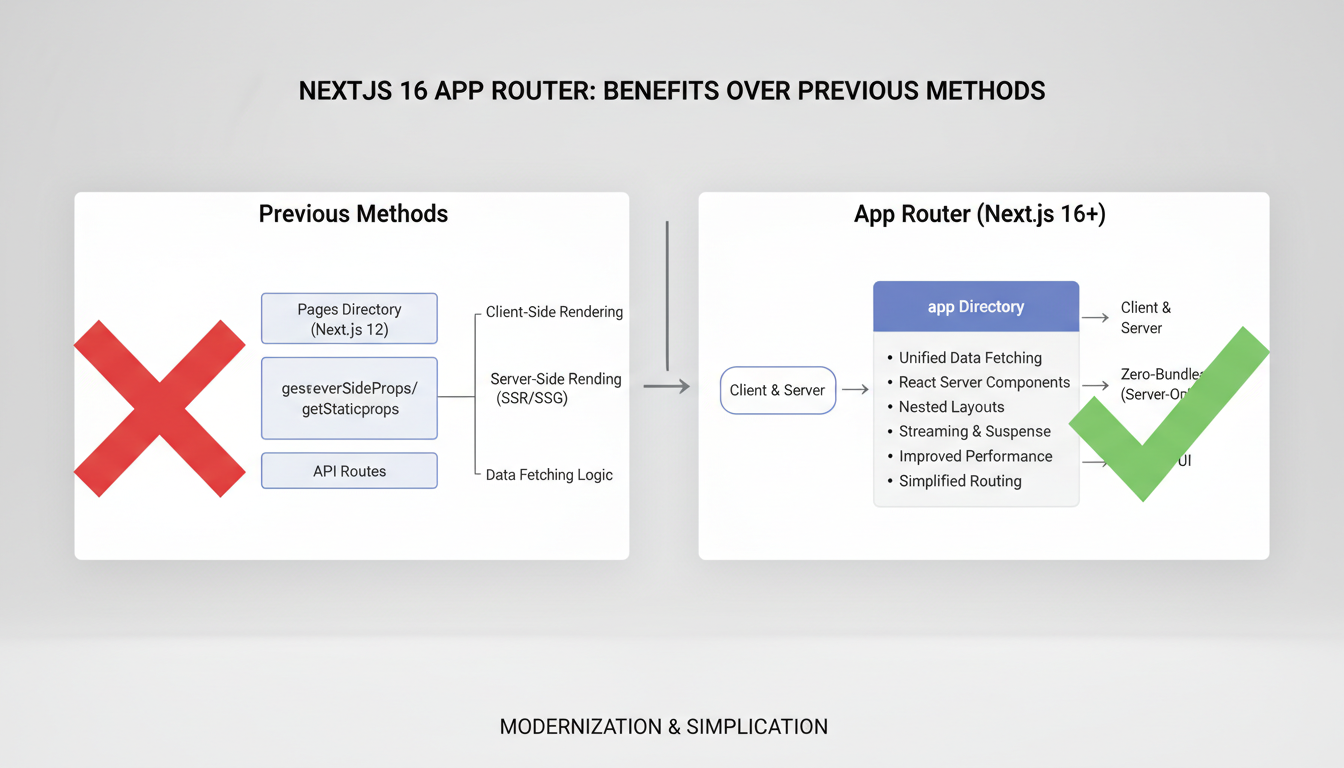
Benefits of Next.js 16 App Router explained visually. 
Next.js migration steps overview for App Router update. Conclusion
The “Complete Guide to Next.js 16 App Router” provides a comprehensive overview of implementing the latest routing features, emphasizing the importance of understanding file-based routing, dynamic routes, and nested layouts. By mastering these core concepts, developers can create scalable, efficient web applications that leverage Next.js’s powerful server-side rendering capabilities. The guide highlights the significance of organizing routes effectively and utilizing the new app directory structure to enhance project maintainability and performance. This foundational knowledge enables developers to build robust applications with improved user experiences and faster load times, aligning with modern web development standards.
Throughout the guide, the benefits of adopting the Next.js 16 App Router are clearly demonstrated, including simplified routing management, enhanced flexibility with dynamic segments, and seamless integration with data fetching strategies. Implementing features like middleware and route grouping further streamlines the development process, providing a more intuitive approach to handling complex navigation scenarios. The detailed explanations of setting up custom layouts and nested
Related Articles



Stay ahead of the curve
Weekly tutorials, AI tools, and startup tech news in your inbox.